When a patient in Bayan Lepas wakes up with a severe toothache or a sudden fever, they do not spend hours researching medical journals. They pull out their smartphone and Google “dentist near me” or “walk-in clinic open now.”
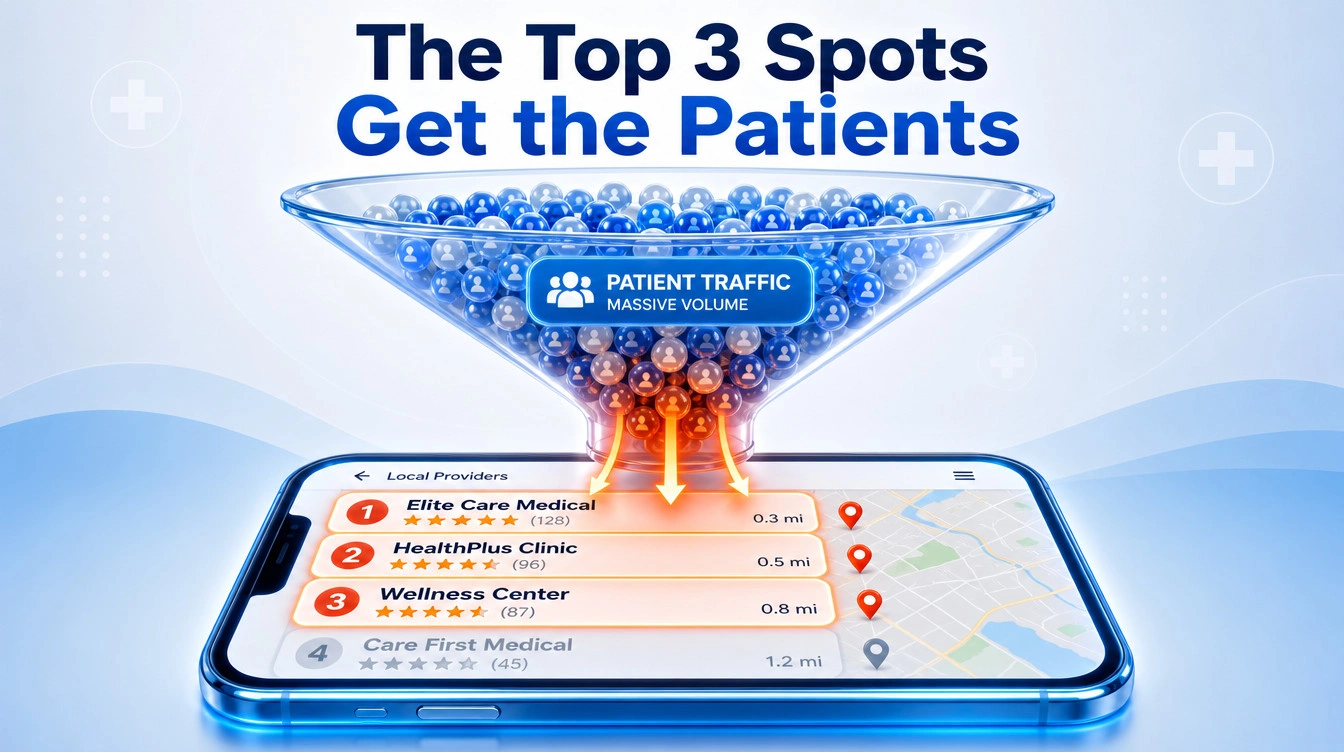
Google responds by showing them the Local Map Pack – that highly coveted block of three local businesses sitting right at the top of the search results, alongside a map. If your practice is not in those top three spots, you are practically invisible to patients who need immediate care.
As we covered in our foundational Healthcare SEO Guide for Dental & Medical Aesthetics, local map dominance is the fastest way to drive foot traffic. But simply claiming your Google Business Profile (GBP) and making sure your phone number is correct is no longer enough.
Here is how you can push past basic optimisations and dominate the local map pack to secure a steady stream of new patients.
Key Takeaways
- The Map Pack is Prime Real Estate: The top three Google Map results capture the vast majority of local “near me” patient searches.
- Category Precision: Choosing the right primary and secondary business categories (e.g., “Orthodontist” instead of just “Dentist”) dictates what searches you show up for.
- Pre-empt Patient Questions: Use the Google Q&A feature to answer common logistical questions about insurance, parking, and wait times before patients even ask.
- Micro-Blogging with GBP Posts: Regularly posting clinic updates, new treatments, and health tips signals to Google that your practice is active and authoritative.
- Review Velocity: It is not just about having a 5-star rating; Google rewards clinics that get a steady, ongoing stream of new patient reviews.
1. Dial in Your Primary and Secondary Categories
Google uses your business categories to decide if you are a relevant match for a patient’s search. The biggest mistake clinic owners make is choosing one broad category and stopping there.
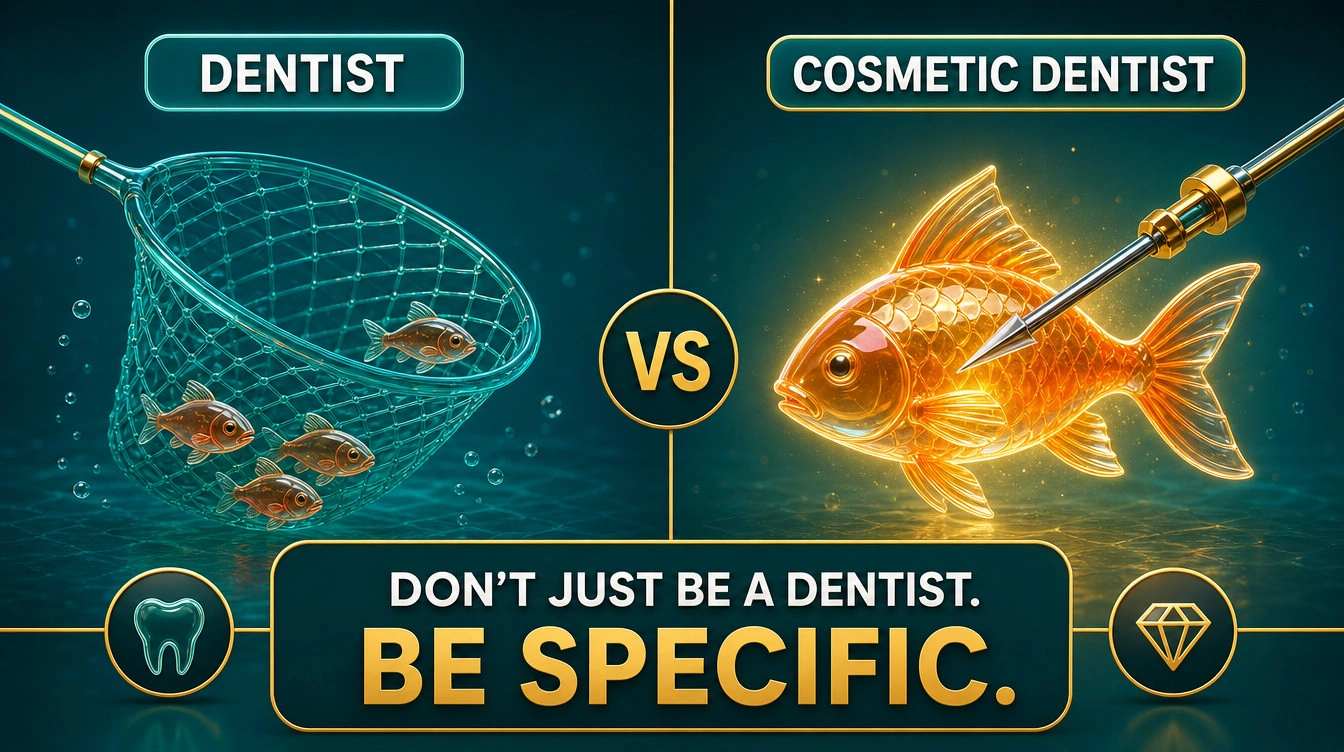
If you are a dental clinic that makes most of its money from Invisalign and veneers, setting your primary category simply as “Dentist” means you are fighting a massive, uphill battle.
- Primary Category: This should be your core business identity (e.g., “Medical Clinic,” “Dental Clinic,” or “Dermatologist”).
- Secondary Categories: This is where you capture specific intent. Add categories like “Cosmetic Dentist,” “Orthodontist,” “Emergency Dental Service,” or “Skin Care Clinic.”
By categorizing your treatments correctly, you tell Google exactly who you are, allowing you to bypass generic competition and capture highly specific, high-value “near me” searches.
2. Use GBP Posts Like a Clinic Noticeboard
Google wants to send users to active, thriving businesses. A Google Business Profile that hasn’t been updated since 2021 looks abandoned to both patients and search algorithms.
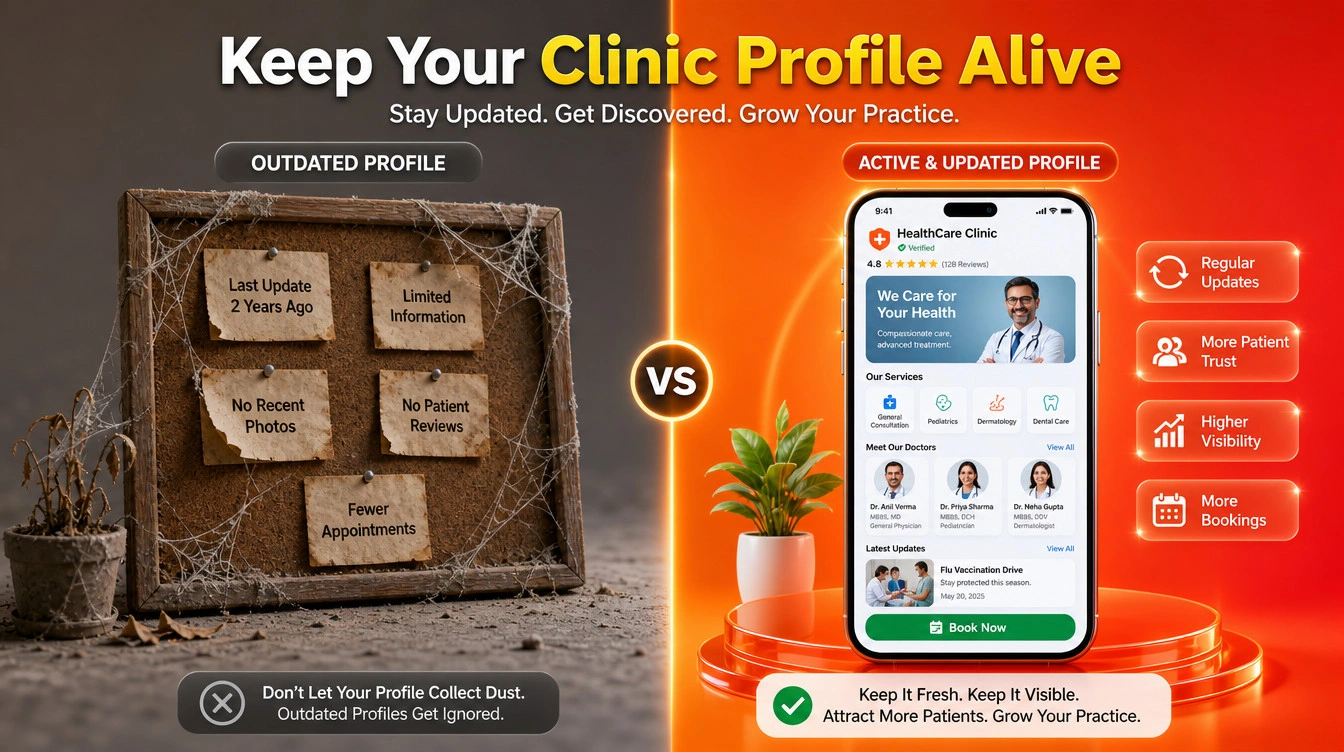
Google Business Profile offers a “Posts” feature. Treat this like a micro-blog or a digital noticeboard in your waiting room.
- Update Weekly: Post about new health screening packages, seasonal flu shot availability, or a welcome message for a new doctor joining your team.
- Highlight Services: Create posts highlighting specific procedures, like a new teeth-whitening technology you offer, complete with a “Book Now” button linking directly to your appointment page.
- Educate: Share quick, 50-word tips on managing seasonal allergies or post-treatment care. This builds digital bedside manner before they even click your website.
3. Hack the Q&A Section to Reduce Friction
Your Google Business Profile has a Question & Answer section. Anyone can ask a question here, and unfortunately, anyone (including internet trolls or misinformed past patients) can answer it.
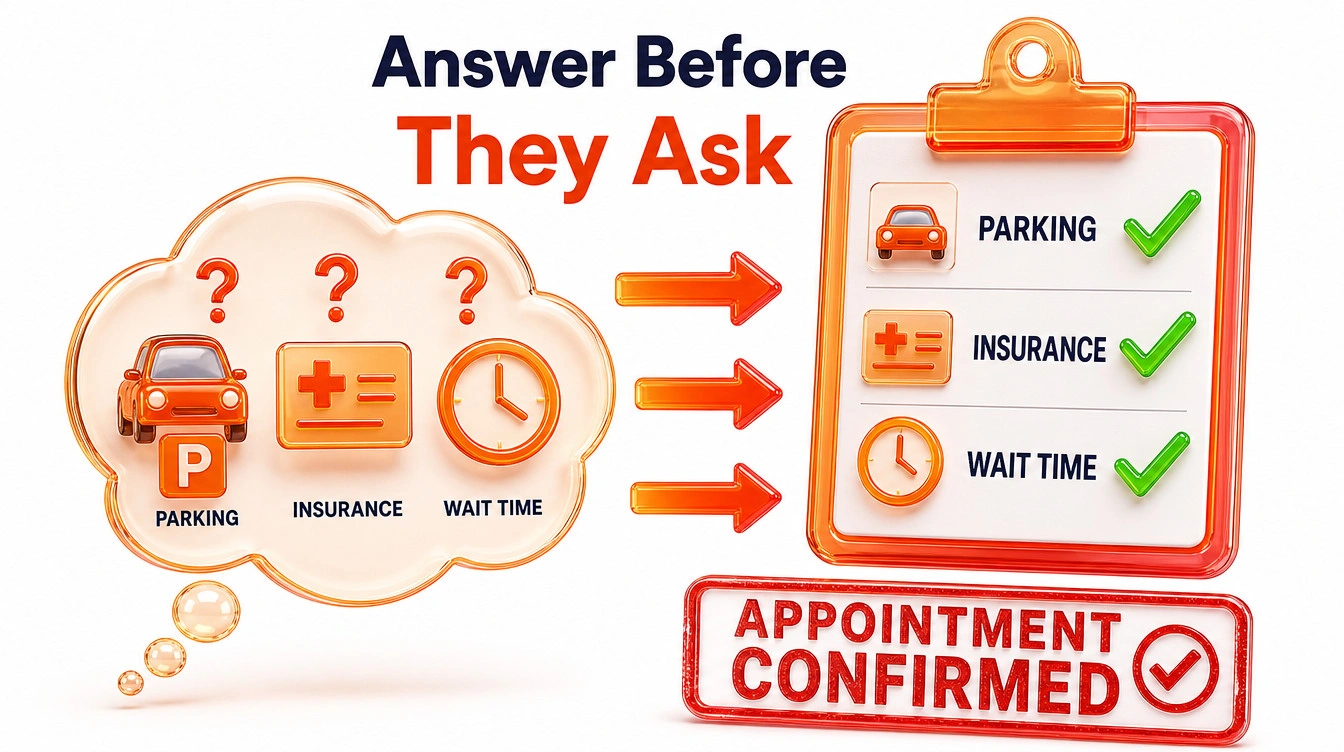
Do not leave this section empty or unmonitored. Be proactive.
Create your own FAQ directly on Google: Have your front desk staff compile the top five questions they get asked on the phone every day. Then, log into your clinic’s Google account, ask those questions on your own profile, and provide the official answer.
- Do you accept PMCare or other corporate panels?
- Is there dedicated parking for patients?
- Do I need an appointment, or do you accept walk-ins?
This removes the friction that stops a patient from visiting. If they see you accept their insurance directly on the Google Map listing, they will click “Directions” immediately.
4. Master “Review Velocity” (Not Just the Score)
Having a 5-star rating is great, but if your last review was from three years ago, Google’s algorithm—and prospective patients—will wonder if your quality has dropped.

Google cares about review velocity—the steady, consistent rate at which new reviews come in. A clinic with 150 reviews averaging 4.8 stars that gets two new reviews a week will often outrank a clinic with 50 perfect 5-star reviews from two years ago.
Implement a systematic, polite way to ask for reviews right after a successful appointment. A simple text message or email with a direct link to your Google review page can dramatically boost your local map rankings over a few months.
Key Takeaways
- The Map Pack is Prime Real Estate: The top three Google Map results capture the vast majority of local “near me” patient searches.
- Category Precision: Choosing the right primary and secondary business categories (e.g., “Orthodontist” instead of just “Dentist”) dictates what searches you show up for.
- Pre-empt Patient Questions: Use the Google Q&A feature to answer common logistical questions about insurance, parking, and wait times before patients even ask.
- Micro-Blogging with GBP Posts: Regularly posting clinic updates, new treatments, and health tips signals to Google that your practice is active and authoritative.
- Review Velocity: It is not just about having a 5-star rating; Google rewards clinics that get a steady, ongoing stream of new patient reviews.
Frequently Asked Questions
Is Your Clinic Invisible to Local Patients?
If you are not showing up in the top three spots on Google Maps, your local competitors are stealing your patients every single day. A poorly optimized Google Business Profile is a massive leak in your clinic’s revenue.
Stop leaving your local visibility to chance. Ulement specialises in deep technical and local SEO audits to uncover exactly why your clinic isn’t dominating the map pack.
Book Your Comprehensive Site Audit & Analysis with Ulement Today and let us build your roadmap to local search dominance.